September 11, 2026
Leadferno Alternative for Mobile First Teams
Looking for a Leadferno alternative for mobile first teams? Compare top tools with pricing, pros, cons, and find the best fit for your field crew.

Table of Contents
- Why Mobile First Teams Need a Different Lead Response Tool
- Quick Comparison: Top Leadferno Alternatives for Field Crews
- DibsText: Instant Lead Notification for Contractors on the Go
- Quo: A Mobile-First VoIP and SMS Lead Response Software
- CallRail: Lead Intelligence With a Mobile App for Field Teams
- Brevo: All-in-One SMS and Email Marketing for Small Teams
- How to Respond to Leads Faster When You're on a Job Site
- Conclusion
- Frequently Asked Questions
Last Updated: September 11, 2026
Why Mobile First Teams Need a Different Lead Response Tool
The plumber who answers a website inquiry within five minutes wins the job (hbr.org). The one who checks email after dinner does not. That gap, measured in minutes, is why so many contractors are hunting for a Leadferno alternative for mobile first teams in 2026.
Most lead tools were built for people at desks. Field crews need something that reaches them in a truck, on a roof, or under a sink. DibsText, an instant lead notification service, was designed around that reality: a text alert the moment a form is submitted, no dashboard to babysit.
Below, we compare practical options for deskless teams, with the features, pricing, and trade-offs that actually matter when your office is a service van.
Watch Out The most common mistake is buying a full CRM when you only need lead alerts. If you're not going to log in daily, you're paying for software you'll never open. Match the tool to your actual workflow, not the demo.
Quick Comparison: Top Leadferno Alternatives for Field Crews
The best Leadferno alternative for a mobile first team is one that pushes leads to your phone instantly and doesn't require a desk visit to act on them. Here's how options stack up, and, more importantly, what each one actually costs you once implementation, training, and mobile data are factored in.
Feature and Pricing Table
Tool
Starting Price
Mobile App
Best For
CRM Required
DibsText
Free trial, free plan available
Text and email alerts
Contractors wanting instant alerts without a CRM
No
Quo
Contact for pricing
Yes, mobile-first
Teams needing voice and SMS in one app
No
CallRail
$30/month
Yes
Tracking lead sources and conversion
Optional
Brevo
$25/month
Responsive, not app-first
Broader email and SMS marketing
No
What the Sticker Price Doesn't Tell You
Subscription cost is the smallest line item for most deskless teams. The bigger numbers hide in three places competitors rarely mention:
- Implementation time. A lightweight alert tool can be live in an afternoon. A call-tracking or marketing platform typically takes days to weeks to configure numbers, routing rules, and integrations, time your crew is not billing.
- Training overhead. Every extra dashboard is another thing a technician has to remember between jobs. Tools that live inside the native texting app on a phone get adopted; tools that require a separate login often don't.
- Mobile data and device costs. Field crews burn cellular data on maps, photos, and job docs. Adding a data-hungry app to a shared or personal device plan is a real recurring cost, especially for teams on metered plans.
A common pattern among small contractors is paying for a full platform, using 10% of it, and quietly reverting to text messages within a quarter. The total cost of ownership is not the subscription, it's the subscription plus the features you never open.
How to Read This Table
- If your only need is speed-to-lead, a lightweight alert tool beats a full platform on both price and adoption.
- If you also want call tracking or email campaigns, the heavier options earn their cost, but budget the setup time honestly.
- If you're not going to log in daily, treat any dashboard-first tool as a red flag.
Watch Out The most common mistake is buying a full CRM when you only need lead alerts. If you're not going to log in daily, you're paying for software you'll never open. Match the tool to your actual workflow, not the demo.
DibsText: Instant Lead Notification for Contractors on the Go
DibsText is an instant lead notification service that sends a real-time text and email the moment a customer submits your website form. There's no CRM to configure, no dashboard to monitor, and setup takes minutes.

A plumber in work clothes sitting in the driver's seat of a service van, looking at a smartphone with a text message notification visible on the screen, daylight through the windshield
How DibsText Works Without a CRM
The system sits between your website form and your phone. When a lead comes in, you get a text with the customer's details. You reply, call, or text back directly.
- Instant text and email lead alerts
- No CRM or dashboard required
- Setup in minutes
- No credit card required for the free trial
- Automated A2P compliance handling
That last point matters more than most contractors realize. A2P messaging rules are strict, and a tool that handles registration for you removes a genuine headache.
Pro Tip Reply to the text alert with a one-line message like "Got your request, calling in 10 minutes." Even a quick acknowledgment keeps the lead warm while you finish the current job.
Quo: A Mobile-First VoIP and SMS Lead Response Software
Quo combines business calling and texting into one mobile-friendly interface. If your team juggles both voice and SMS, it's a reasonable fit.
Its shared numbers let a small crew see who responded to what, and automated text responses cover missed calls. The clean interface is genuinely built for phones, not shrunk down from a desktop app.
Where it falls short: Quo lacks the deeper marketing automation bigger platforms offer. It's a communication tool, not a lead capture system, so you still need something feeding leads into it.
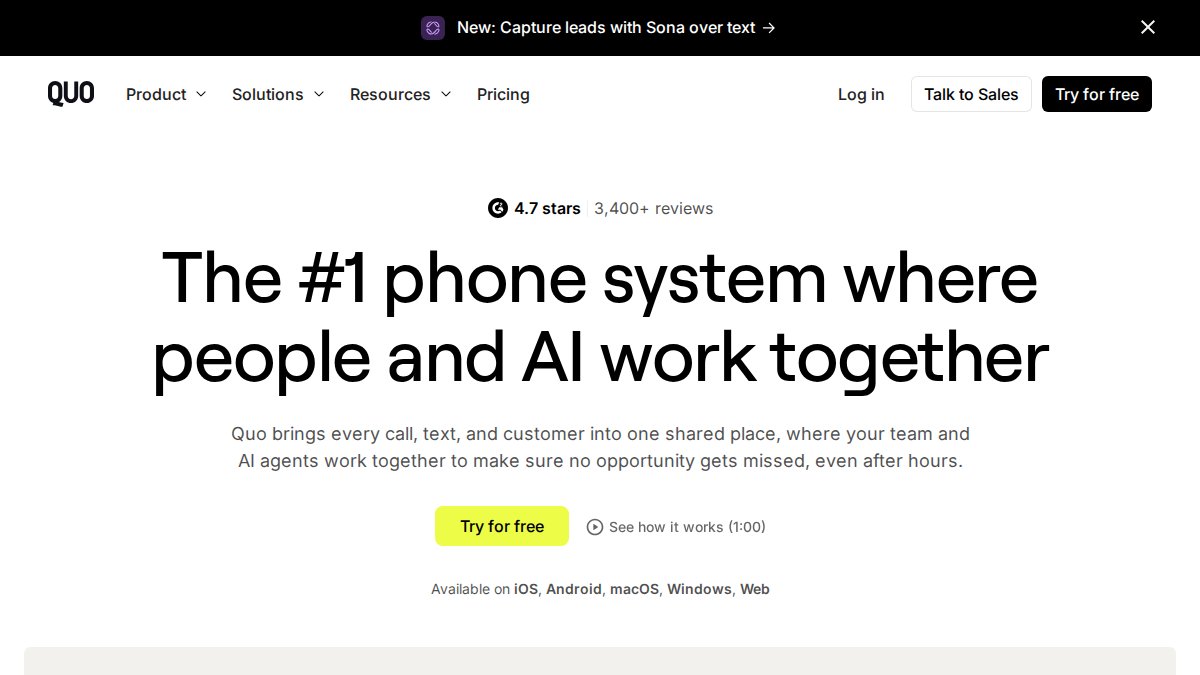
Quo (formerly OpenPhone) | Best Phone System for Startups & Small Businesses
CallRail: Lead Intelligence With a Mobile App for Field Teams
CallRail tracks calls, texts, and forms to show which marketing actually drives leads. For contractors spending money on ads, that attribution data is worth the setup effort.
The Lead Center dashboard consolidates calls and texts, and the mobile app lets you respond from the field. Call tracking and recording support quality checks on how your team handles inquiries.
The trade-off is complexity. Setup takes longer than a simple alert tool, and at $30/month to start, it's a bigger commitment. Best for teams already investing in marketing and wanting to know what works.
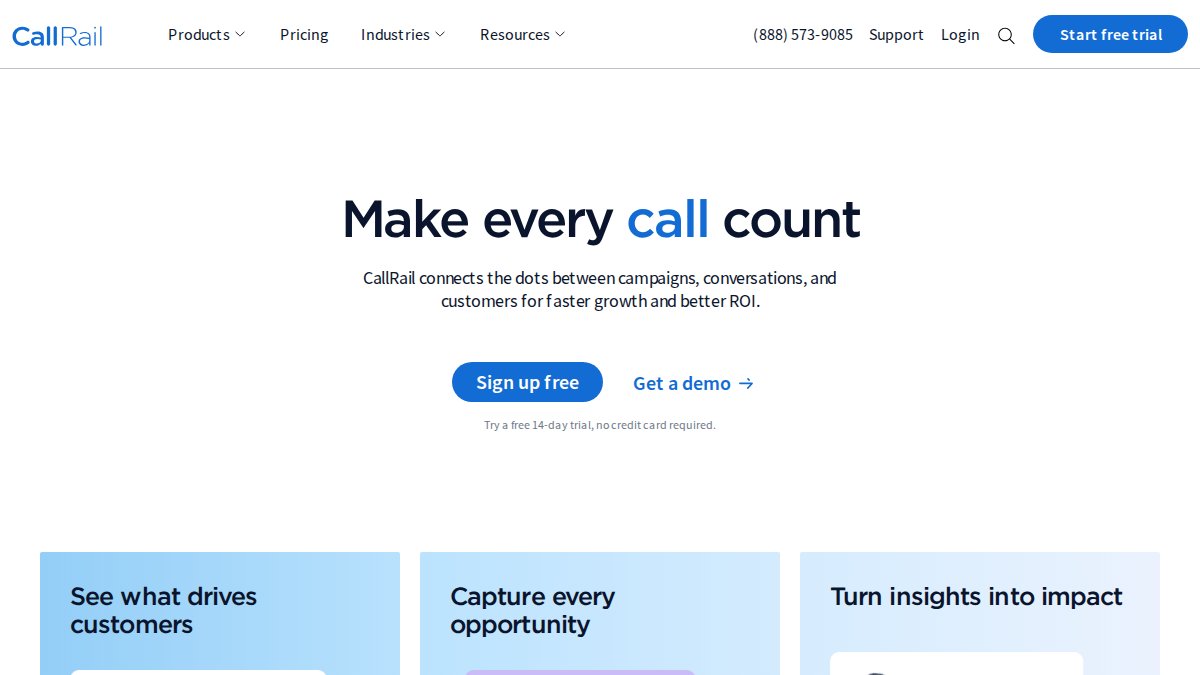
Callrail website
Brevo: All-in-One SMS and Email Marketing for Small Teams
Brevo bundles SMS marketing, email, and a shared inbox into one platform. It's the broadest option here, and the free tier makes it easy to test.
You get a shared inbox for customer conversations, SMS and transactional messaging, and contact segmentation. For a small firm running email campaigns alongside lead follow-up, that combination saves juggling separate tools.
The catch: the interface feels cluttered if all you want is SMS lead alerts. You're paying in complexity for features you may never use.
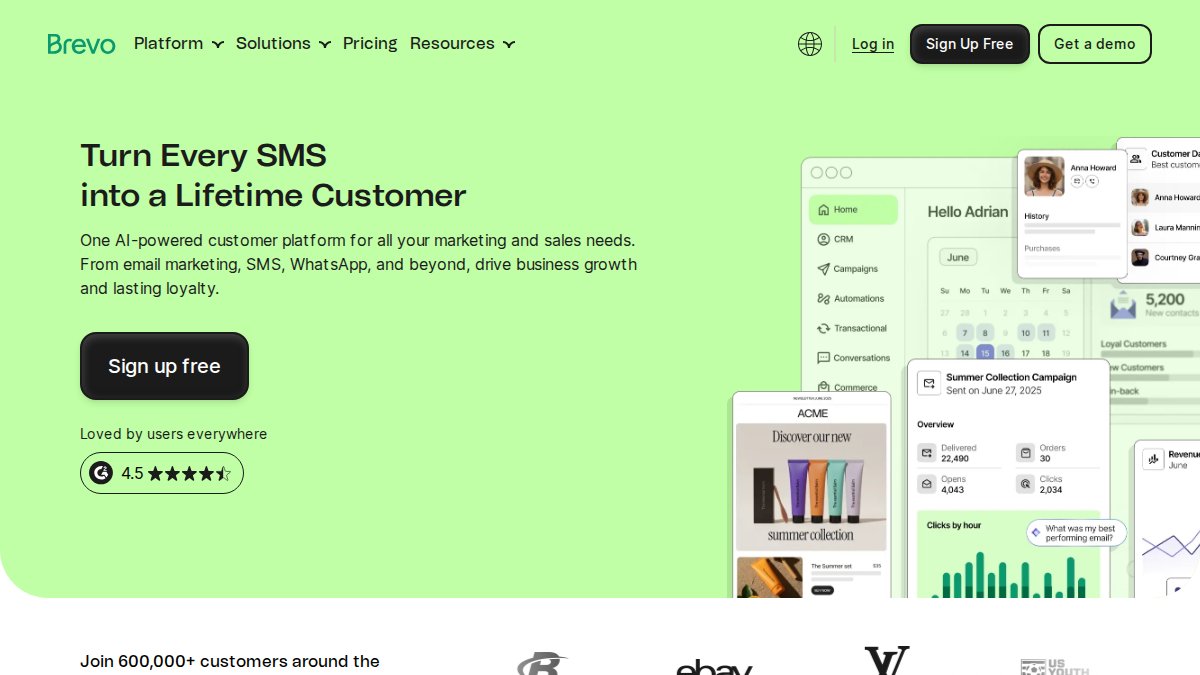
Brevo: Email & SMS Marketing, CRM & Automation Platform
How to Respond to Leads Faster When You're on a Job Site
Speed decides who wins the job, and you can improve yours without changing tools. But the advice that works in an office, "check your inbox more often", falls apart the moment you're under a sink with no signal. Here's what actually moves the needle for deskless crews, including the two areas most guides skip entirely: offline-first behavior and device security.
The Mechanics of a Fast First Reply
- Turn on text alerts, not just email. Email sits unread for hours. A push notification or SMS lands in the same place your crew already looks.
- Keep a canned first response ready to paste and send. "Got your request, calling in 10 minutes" beats a polished pitch sent two hours later.
- Set a personal rule: respond before you leave the current job site. Tie the habit to an existing trigger (packing up tools) so it doesn't rely on memory.
- Route leads to whoever is closest to the customer. Distance-to-job matters more than round-robin fairness when the goal is a same-day visit.
- Follow up a second time within 24 hours if there's no reply. A single unanswered text is not a lost lead.
Offline-First: What Happens When There's No Signal
Most lead tools assume a live connection. Basements, rural service calls, and metal-roofed buildings routinely kill that assumption. A common pattern among field teams is a lead that arrives while the phone is offline and never surfaces until the technician is back in the truck, by which point the customer has called someone else.
What to look for:
- Queued alerts. The tool should hold the notification and deliver it the moment the phone reconnects, not drop it.
- Local caching of lead details. If the customer's name, number, and message aren't stored on the device, you can't act on them offline.
- SMS as the fallback channel. Text messages queue natively on most carriers, which is one reason SMS-based alerting outperforms app-only push notifications in low-connectivity areas (fcc.gov).
If a vendor can't tell you how their tool behaves with the phone in airplane mode, that's your answer.
Device Security and Lead Privacy on Shared Phones
Deskless teams often share devices, use personal phones for work, or hand a phone to a helper mid-job. That creates two risks most comparison articles ignore: lead data leaking to a departing employee, and customer information sitting unencrypted on a device that gets lost or stolen.
Practical safeguards:
- Prefer tools that send lead details as a message rather than storing a full customer database on the device.
- Use a shared team number rather than individual personal numbers, so leads stay with the business when a tech leaves.
- Enable screen locks and remote wipe on any phone that receives customer contact information.
- Check whether the vendor handles messaging consent and registration on your behalf, misconfigured business texting can expose you to regulatory penalties.
The Federal Trade Commission's guidance on business texting compliance is worth reading if you're sending automated texts, since consent rules apply to lead follow-up.
Key Takeaway The single biggest lever on conversion is response time. A five-minute reply beats a polished pitch sent two hours later, every time, and a queued text alert that survives a dead zone beats a dashboard you can't reach.
Conclusion
The hard part isn't finding a Leadferno alternative. It's picking one you'll actually use from a ladder, a crawlspace, or the driver's seat. Most field crews don't need another dashboard; they need a text that shows up the second a lead lands.
DibsText was built for exactly that. It sends instant text and email alerts the moment a form is submitted, requires no CRM, sets up in minutes, and handles A2P compliance automatically. The free trial needs no credit card, so you can test it against your next batch of leads.
Start your free trial with DibsText and respond to every lead while it's still hot.
Frequently Asked Questions
What is the best SMS platform for small business lead conversion?
The best SMS platform for small business lead conversion depends on whether you need simple alerts or a full messaging suite. For contractors who want instant text notifications without a dashboard, DibsText delivers real-time alerts so you can respond while the lead is hot. If you need two-way SMS and voice calling in one app, Quo offers a mobile-first interface. Brevo works well for teams that want SMS alongside email marketing. Focus on response time and mobile accessibility, not feature count.
How does instant lead notification improve response time for contractors?
Instant lead notification sends a text or email the moment a customer submits a website form, so you see the lead while you are still on the job site or between appointments. Without instant alerts, leads sit in an inbox until you check it, often hours later. Contractors who respond within minutes are far more likely to win the job than those who reply the next day. DibsText is built specifically for this: no dashboard to monitor, just a text alert on your phone.
Is a CRM necessary for mobile-first lead management?
No, a CRM is not necessary for mobile-first lead management, especially if you are a solo operator or run a small crew. Many contractors manage leads effectively with instant text alerts and a simple follow-up process. DibsText is designed for exactly this scenario: it sends you the lead via text and email, and you respond directly from your phone. If your business grows to the point where you need pipeline tracking and team assignment, then a CRM becomes worth the added complexity.
What are the benefits of text-based lead alerts over email?
Text-based lead alerts reach you faster and are harder to miss than email. Most people check text messages within minutes, while email can sit unread for hours. For contractors in the field, a text alert means you can respond to a new lead between job sites without opening a laptop. DibsText sends both text and email alerts, but the text notification is what drives the speed advantage. Faster response time directly improves your conversion rate.
How do I choose the right lead response software for a deskless team?
Start by identifying your actual workflow. If you just need to know when a lead comes in and respond fast, a notification tool like DibsText is enough. If you need call tracking and marketing analytics, CallRail adds that layer. For teams that want voice and text in one mobile app, Quo fits. Look at mobile app quality, notification reliability, pricing model, and whether the tool requires a desktop dashboard. Deskless teams should prioritize tools that work entirely from a phone.
Stop losing leads to slow response times.
DibsText texts you the second a lead comes in. Free 14-day trial, no credit card.
Start Free Trial