September 10, 2026
Best Lead Alert Apps for Field Contractors in 2026
Compare the best lead alert apps for field contractors in 2026. See real-time notifications, pricing, and features to respond faster and win more jobs.
Table of Contents
- Why Speed-to-Lead Decides Who Wins the Job
- Best Lead Alert Apps for Field Contractors: Quick Comparison
- 1. DibsText: Instant Alerts Without the Dashboard
- 2. Builder Prime: Speed-to-Lead Inside a Full CRM
- 3. Angi Leads: A Marketplace That Pushes Jobs to Your Phone
- 4. Jobber: Lead Alerts Plus End-to-End Job Management
- 5. Workiz: Built for On-Demand Service Calls
- 6. Thumbtack and Other Pay-Per-Lead Alert Sources
- Frequently Asked Questions
Last Updated: September 10, 2026
Why Speed-to-Lead Decides Who Wins the Job
The contractor who answers first usually gets the job. Lead alert apps exist to make sure that contractor is you, even when you're under a sink or on a roof. This guide breaks down the best lead alert apps for field contractors in 2026, ranked by how fast they push a new inquiry to your phone and how little desk work they demand in return.
Here's the uncomfortable math: most homeowners contact three or more contractors for the same job, and they typically hire whoever responds first (hubspot.com). A lead that sits in an inbox for two hours is a lead your competitor already claimed. That's why speed-to-lead, not lead volume, is the metric that separates busy contractors from fully booked ones.
What "Instant" Actually Means
Most apps advertise "instant" alerts, but the real latency depends on the delivery path. There are three common routes, and they behave very differently in the field:
- SMS (text message). The alert travels through the carrier network. Delivery is usually a few seconds, and it works on any phone with a signal, no app install required. This is the most reliable channel for contractors who are driving, on a ladder, or wearing gloves.
- Push notification. The alert travels through the app's servers to your phone's notification system. Delivery is fast when the app is running in the background, but it can be delayed or dropped if the phone is in low-power mode, the app was force-closed, or the operating system throttles background activity.
- Email. The alert lands in an inbox. Delivery is fast, but the notice is slow, most people check email in batches, not in real time. Email is a backup channel, not a primary one.
The practical takeaway: a text alert and an email alert are not the same product, even when an app lists both. If your phone is in your pocket and you're on a job site, SMS is the channel that actually reaches you.
How to Configure Alerts So They Don't Get Missed
A lead alert is only useful if it breaks through. A few configuration habits separate contractors who respond in two minutes from those who respond in two hours:
- Set a distinct notification sound. A generic chime blends into every other app. A unique tone for lead alerts trains you to look immediately.
- Turn on lock-screen previews. If the alert only shows after you unlock the phone, you lose the seconds that matter.
- Add a backup recipient. Route alerts to a second number, a partner, an office manager, or a spouse who answers the phone, so a lead never dies because one person was on a roof.
- Test the path end to end. Submit a test inquiry through your own website form and time how long it takes to reach your phone. A common pattern is that the form works, the email works, but the SMS step was never verified.
- Watch for filtering. Automated texts sent through unregistered channels can be filtered by carriers (fcc.gov). Services that handle A2P (application-to-person) registration for you avoid this, which is a detail most contractors don't think about until messages start disappearing.
The Offline Reality of Field Work
Basements, rural job sites, and metal-framed buildings all kill signal. No alert app can push a notification through a dead zone, but the good ones queue the alert and deliver it the moment the phone reconnects. When you're comparing apps, ask a simple question: if I lose signal for an hour, do I get the alert when I come back, or do I get nothing? The answer separates a tool built for field work from one built for a desk.
The apps below range from dead-simple text alert services to full field service platforms. We'll show you which fits a solo operator, which suits a growing crew, and where each one falls short.
Key Takeaway Speed-to-lead is a configuration problem as much as a software problem. The fastest app in the world won't help if the alert is muted, routed to an unread inbox, or filtered by a carrier. Test the full path before you trust it with a real lead.
Best Lead Alert Apps for Field Contractors: Quick Comparison
DibsText is the best lead alert app for field contractors who want instant text and email notifications without a CRM or dashboard. It delivers alerts the moment a customer submits your website form, so you can respond while the lead is still hot.
App
Starting Price
Alert Style
Best For
Standout Feature
DibsText
Free trial available
Instant text + email
Solo and small crews
No dashboard required
Builder Prime
Contact for pricing
SMS via CRM
Home improvement firms
Built-in estimating
Angi Leads
Pay-per-lead
Push to phone
New-customer volume
Homeowner marketplace
Jobber
$49/month
In-app notifications
Growing service teams
End-to-end job management
Workiz
Contact for pricing
Real-time dispatch
On-demand trades
In-app payments
Thumbtack
Pay-per-lead
Targeted job alerts
Handymen
Flexible, no subscription
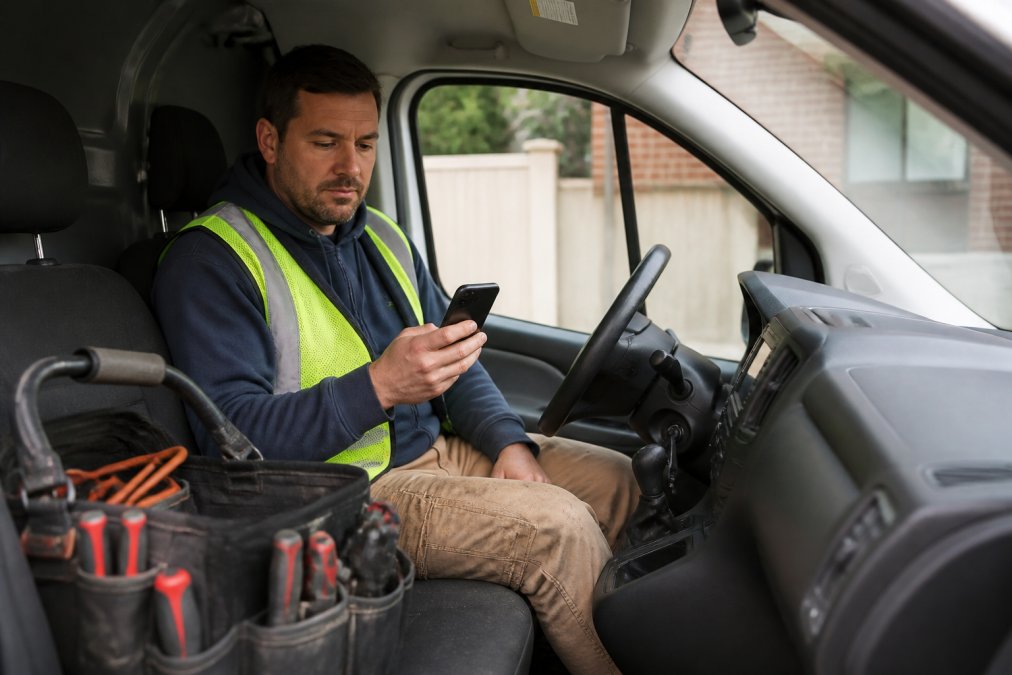
A contractor in work clothes and a safety vest sitting in the driver's seat of a service van, holding a smartphone and reading an incoming text notification, tool bag visible on the passenger seat
1. DibsText: Instant Alerts Without the Dashboard
DibsText is an instant lead notification service that sends real-time text and email alerts the moment a customer submits a website form. There's no CRM to learn and no dashboard to check, which is exactly the point for tradespeople who work from a truck, not a desk.
Setup takes minutes, and the free trial requires no credit card. Automated A2P compliance handling means your texts go out through properly registered channels, a detail most contractors don't think about until messages start getting filtered. If you're only getting a few leads a week, that's not a reason to skip alerts. It's the reason each one matters more.
Pro Tip Forward your existing website form notifications to DibsText rather than rebuilding the form. You keep your current site and start getting text alerts the same day.
Pros: Instant text and email alerts, no CRM required, fast setup, mobile-friendly. Cons: It alerts you to leads; it doesn't manage estimates or invoicing.
2. Builder Prime: Speed-to-Lead Inside a Full CRM
Builder Prime pairs automated lead capture with instant SMS notifications, then keeps every customer conversation inside one system. It suits home improvement professionals who want lead alerts and a full pipeline in the same place.
The trade-off is weight. Builder Prime includes estimating, proposal generation, and automated follow-up sequences, which is more machinery than a solo contractor needs. If you already run a small office, that depth pays off. If you're a one-person operation, you'll pay for features you never open.
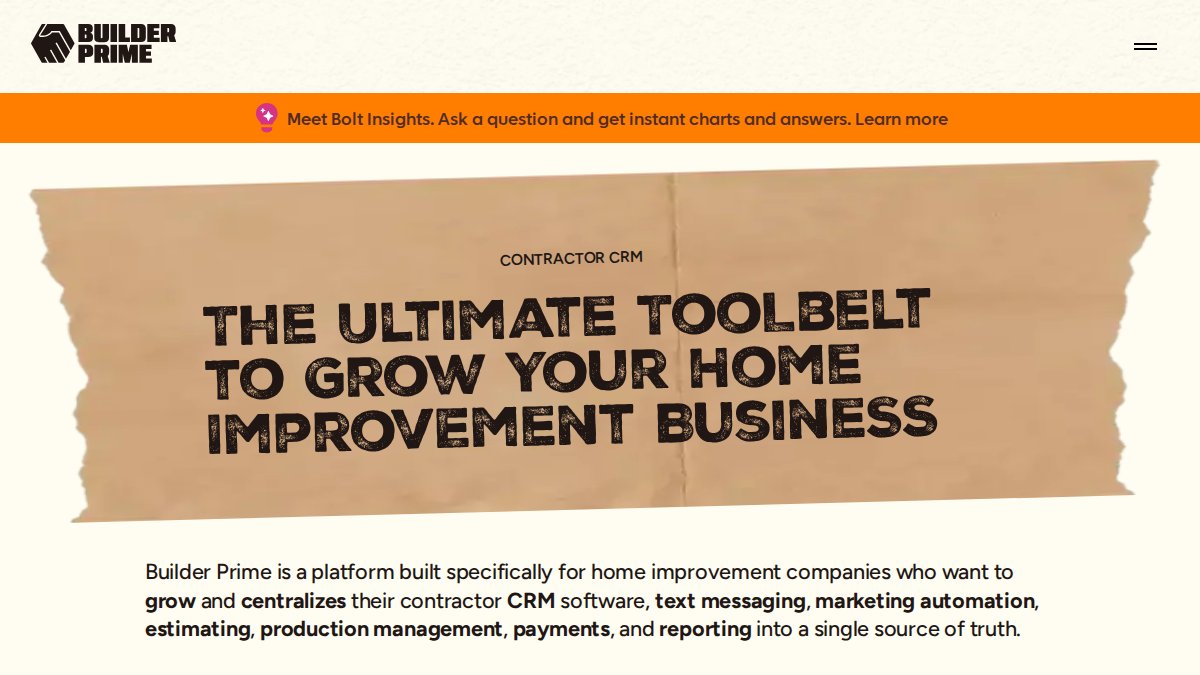
Contractor CRM to Manage Leads, Estimates and Sales | Builder Prime
3. Angi Leads: A Marketplace That Pushes Jobs to Your Phone
Angi Leads is a pay-per-lead marketplace that routes homeowner inquiries to your mobile device in real time. You don't capture the lead yourself; Angi sends it, which means zero manual entry and a steady stream of potential customers.
The catch every contractor should know: those leads are often shared with multiple competitors, so your alert is a starting gun, not a reservation. Winning the job still comes down to who calls first.
4. Jobber: Lead Alerts Plus End-to-End Job Management
Jobber starts at $49 per month and bundles lead notifications with scheduling, quoting, and invoicing in one mobile app. For a small service business outgrowing text-only alerts, it's a logical step up.
What most reviews miss is the tiering. Jobber's strongest automation sits behind higher-priced plans, so the entry price is not the real price once you want follow-up sequences and advanced reporting.
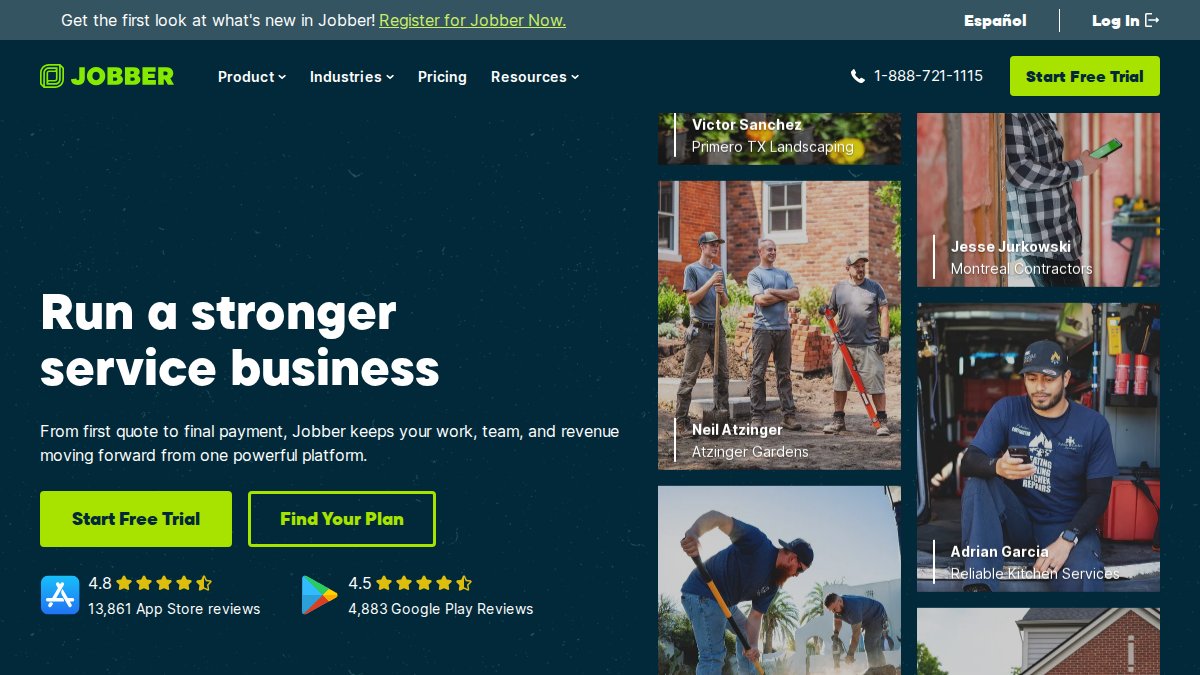
Getjobber website
5. Workiz: Built for On-Demand Service Calls
Workiz targets locksmiths, plumbers, and appliance repair techs who live on dispatch. Real-time lead tracking, automated SMS reminders, and in-app card and ACH payments keep a fast-moving day organized.
The interface carries a learning curve. Non-technical users often need a week or two before the workflow feels natural, which is friction a two-person shop may not want.
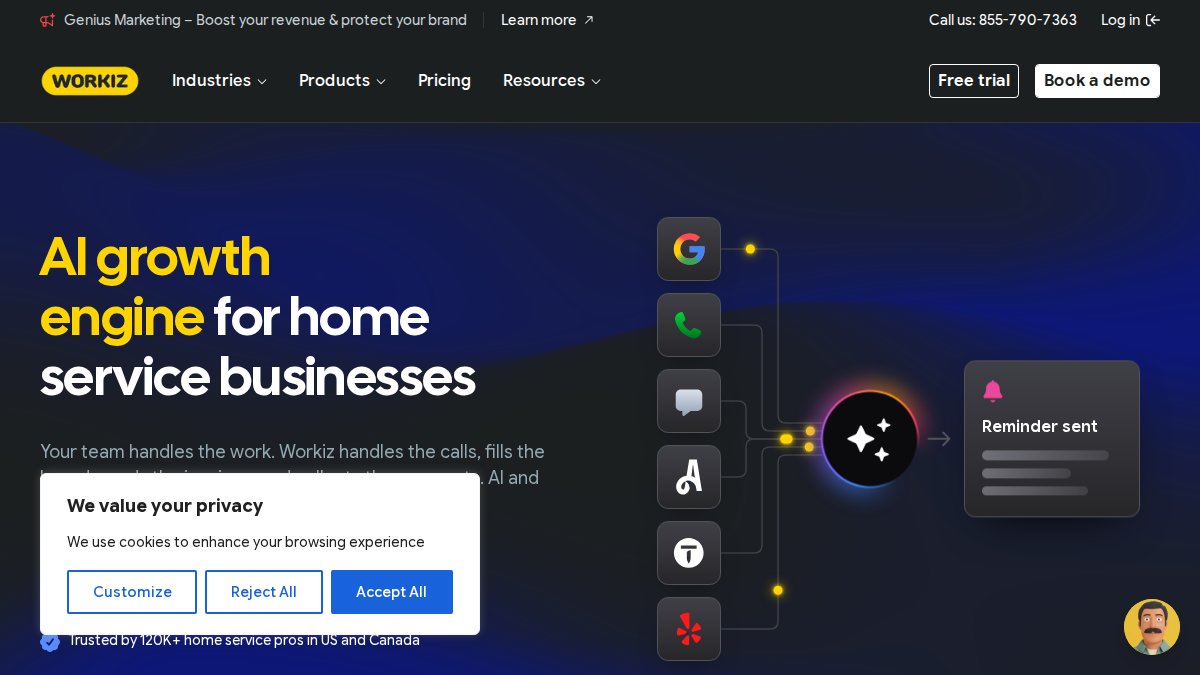
Workiz — AI software for home service pros
6. Thumbtack and Other Pay-Per-Lead Alert Sources
Thumbtack lets you set service categories, a travel radius, and a budget cap, then pushes alerts for matching local jobs. There's no subscription, so a handyman testing a new market can start without a monthly commitment. The trade-off is that lead costs fluctuate with demand, and you're competing on price and reviews against everyone else in the same category.
The bigger issue most roundups skip: pay-per-lead marketplaces are lead sources, not lead management. They generate the inquiry and push it to you. They do not help you respond faster, track the conversation, or follow up if the homeowner goes quiet. That distinction matters because the two categories solve different problems.
Lead aggregators (marketplaces that sell inquiries) do three things: they own the customer relationship, they charge per contact or per shared lead, and they control how and when the alert reaches you. You configure a service area and a category, and the platform decides what to send. You cannot change the delivery channel, the timing, or the format.
Lead alert tools (services that notify you about inquiries you already own) do the opposite. You point them at your own website form, phone number, or inbox, and they push an instant text or email the moment a submission lands. You control the channel, the recipients, and the escalation rules. The lead is yours; the tool just makes sure you see it in seconds instead of hours.
A practical rule for choosing between a CRM and a pure alert tool: if your bottleneck is responding fast, choose alerts. If your bottleneck is tracking jobs after you win them, choose a CRM. Most contractors under ten people only have the first problem.
Pro Tip If you use both a marketplace and your own website, route the marketplace notifications and your form submissions into the same alert channel. A single inbox for every new lead is the difference between a two-minute response and a two-hour one.
Compare pay-per-lead marketplace terms and shared-lead policies
Frequently Asked Questions
What are the best apps for contractor lead generation?
It depends on whether you need leads or just faster alerts on leads you already get. Marketplaces like Angi Leads and Thumbtack send new job inquiries, while notification tools like DibsText alert you the moment a form is submitted on your own website. Many contractors pair both: one source for volume, one system to make sure no inquiry sits unread in an inbox.
What is the difference between a lead alert app and a full CRM?
A lead alert app does one job: it notifies you by text or email the second a lead comes in, so you can call while the customer is still shopping. A full CRM stores every contact, tracks follow-ups, and manages your pipeline over months. If you mostly lose jobs because you reply too slowly, an alert app solves the problem with far less setup and no dashboard to maintain.
How quickly should contractors respond to new leads?
As fast as possible, ideally within five minutes. Response time is one of the few variables you fully control, and it separates you from competitors who check email at the end of the day. If you are driving between jobs, a text alert that reaches your phone immediately is often the difference between booking the estimate and finding out the homeowner already hired someone else.
Are there mobile-first lead notification tools for small contractors?
Yes, and they are built for exactly this situation. DibsText sends real-time text and email alerts the moment a website form is submitted, with no CRM or dashboard required and setup that takes minutes. It handles A2P compliance automatically and offers a free trial with no credit card, which suits solo operators who want to test the workflow before committing.
Do I need a complex software suite to get real-time lead notifications?
No. Full field service platforms bundle scheduling, invoicing, and estimating, but if your only gap is slow response time, a standalone alert tool covers it without a learning curve. Start with instant notifications, measure whether your booking rate improves, and only add a broader platform if you also need dispatch, estimates, or crew coordination.
The gap between a booked calendar and a quiet one often comes down to minutes, not marketing budget. DibsText closes that gap with instant text and email alerts the moment a lead hits your website form, no CRM or dashboard required, setup in minutes, and a free trial that needs no credit card. Get started with DibsText and start answering every lead before your competition even sees it.
Stop losing leads to slow response times.
DibsText texts you the second a lead comes in. Free 14-day trial, no credit card.
Start Free Trial