August 27, 2026
7 Reasons to Choose a Podium Alternative
Looking for a Podium alternative? See what contractors need to respond faster, protect every web lead, and skip software they won't use during busy days.
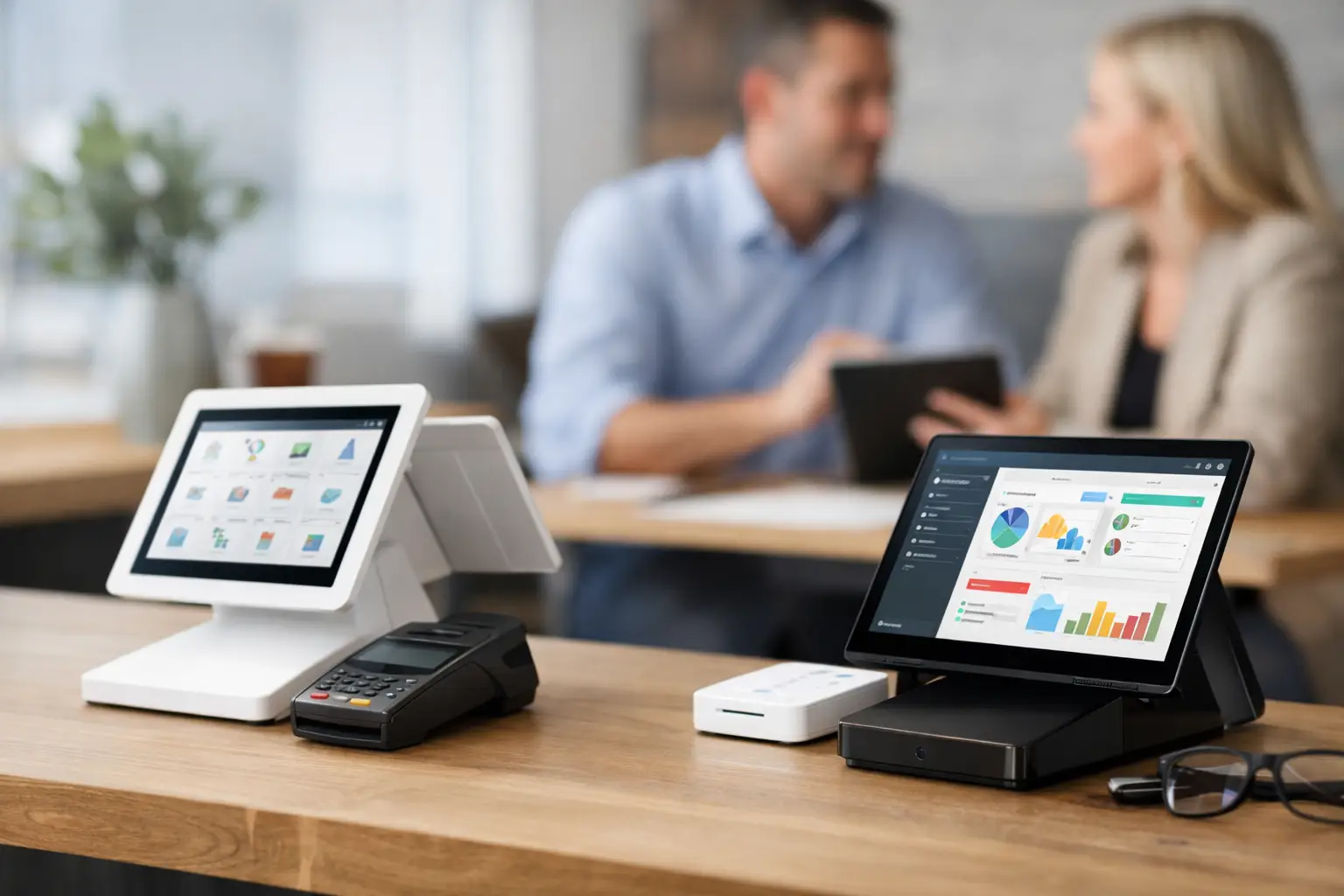
A homeowner submits a quote request for a new water heater at 10:18 a.m. By 10:25, they have contacted two more plumbers. The contractor who calls first has the best shot at the job. That is the real test of any Podium alternative: does it help your team act while the lead is still hot, or does it give you another system to check later?
Podium can be a fit for businesses that want a broad customer communication platform. But many home-service companies do not need another large software rollout. They need to know, immediately, when a ready-to-buy prospect fills out the form on their website.
If your crew is in trucks, on roofs, under sinks, or managing the next appointment, the right tool should fit that reality. No dashboard to babysit. No long training plan. Just the lead, the phone number, the requested service, and a fast path to the first call.
Why Contractors Look for a Podium Alternative
The issue usually is not that a business lacks software. Most contractors already have something: a CRM, scheduling tool, shared inbox, call tracking platform, or a mix of all four. The issue is that a web lead can sit unseen while everyone is busy doing the work that keeps the business moving.
Broad communication platforms often bundle reviews, payments, inboxes, campaigns, chat, customer messaging, and reporting. Those features may be useful. They may also create more setup, more screens, and more responsibility for an office team that is already stretched thin.
That trade-off matters. A larger platform makes sense if you have a dedicated person to manage customer communications across multiple channels and you plan to use the full feature set. It makes less sense if your immediate problem is simpler: website quote requests are not getting answered fast enough.
For a plumbing, HVAC, electrical, roofing, landscaping, or general contracting company, one lost high-intent lead can cost far more than a month of software. The goal is not to collect more data about the lead. The goal is to call before the customer hires somebody else.
What a Podium Alternative Should Actually Do
Start with the first five minutes after a form submission. That is where most home-service businesses either win the opportunity or give it away.
A useful lead-response tool should send the details to the people who can take action, not bury them in a notification center. When a homeowner requests an AC repair, your dispatcher or owner should see the name, phone number, service request, and timestamp right away on the device they already carry.
Speed is only one part of it. The information has to be usable. A vague alert that says “new lead” still makes someone log in, search for details, and decide who should respond. That delay adds up. A clear text and email alert gives the team what it needs to make the call now.
It should also work with your existing process. Replacing a CRM is a major project. So is retraining office staff, changing scheduling procedures, and rebuilding reports. If your current system handles jobs after they are booked, there is no reason to rip it out just to improve the first response.
Look for a tool that can sit alongside what you use today. Your CRM can remain the record of the job. Your scheduling software can remain the place you dispatch work. The lead-response layer should simply make sure a real person gets notified before the customer moves on.
Finally, pay attention to user limits and texting setup. A lead alert is not helpful if only one person gets it and they are on a ladder, in a crawlspace, or driving. The owner, office manager, dispatcher, and backup team member may all need the same alert. Pricing that charges extra for every user can turn a simple fix into a bigger monthly bill.
7 Questions to Ask Before You Switch
A software demo can make almost any platform look useful. Ask questions based on what happens during a normal busy Tuesday instead.
1. How fast does a new website lead reach a phone?
Minutes matter. Ask whether form submissions trigger immediate text and email notifications or whether someone must open an app or monitor an inbox. Your team cannot return a lead they do not see.
2. Does the alert include the details needed to call?
The notification should show more than a name. Your team needs the prospect's phone number, the service they requested, and when they submitted the form. That lets the person responding open with context instead of wasting time hunting for it.
3. Will it work with the forms already on your site?
A new lead tool should not force a website rebuild. Whether your form is on a contact page, service page, or paid landing page, the setup should be straightforward. If getting alerts requires a developer project, it will probably get delayed.
4. Who gets notified when the office is busy?
Think through coverage. If your office manager is with a customer, does the owner get the alert too? If the owner is on a job, does dispatch see it? The best system supports your actual handoff process, including the moments when one person cannot answer.
5. Are you paying for features you will not use?
There is nothing wrong with reviews, payments, campaigns, or a shared message inbox. But do the math. If the main reason you are shopping is missed web leads, a platform built around that one problem may be the better buy.
6. Does it require your team to change how they work?
Field-service teams adopt tools that make the day easier. They ignore tools that add another login. If the response process is “receive alert, tap the number, make the call,” it has a much better chance of happening every time.
7. Can you measure whether it is paying off?
You do not need a complicated attribution project. Track how quickly your team contacts new web leads, how many conversations you start, and how many booked jobs follow. If faster response helps you recover even one extra job, the return can be obvious.
When a Bigger Platform Is the Right Call
A Podium alternative is not automatically better just because it is simpler. If your company wants one place to manage customer texting, review requests, payment conversations, and broader reputation efforts, a more complete platform may be worth the investment.
The key is honest scope. Do you need a customer communications suite, or do you need to stop losing quote requests between your website and your phone? Those are different purchases.
Small and midsize contractors often get better results by fixing the bottleneck first. A fast response process does not require a massive system. It requires that the right person sees the right lead immediately and knows what to do next.
A Focused Option for Speed to Lead
DibsText is built for that narrow, expensive gap between a website form submission and the first call. It sends the lead's contact details, requested service, and submission time to your team by text and email within seconds. Your existing CRM can keep doing its job. This tool helps make sure the lead reaches a human before it goes cold.
That focused approach is especially practical for teams that cannot watch a dashboard all day. An electrician at a job site and an office manager handling incoming calls can receive the same alert. Whoever is free can respond. No complicated workflow. No waiting until someone checks email after lunch.
At $79 per month with unlimited users, the math is simple for most service businesses. One recovered repair, replacement, or project can cover the cost. The bigger opportunity is building a habit of responding before your competitors do.
The next time a homeowner asks for a quote, do not make them wait for your software process to catch up. Put the lead in front of the person who can call, then let speed do some of the selling for you.
Stop losing leads to slow response times.
DibsText texts you the second a lead comes in. Free 14-day trial, no credit card.
Start Free Trial